
Redesigning your website? What to keep before you replace it
What to save, who to ask, and a one-page worksheet to hand your designer before anything changes.
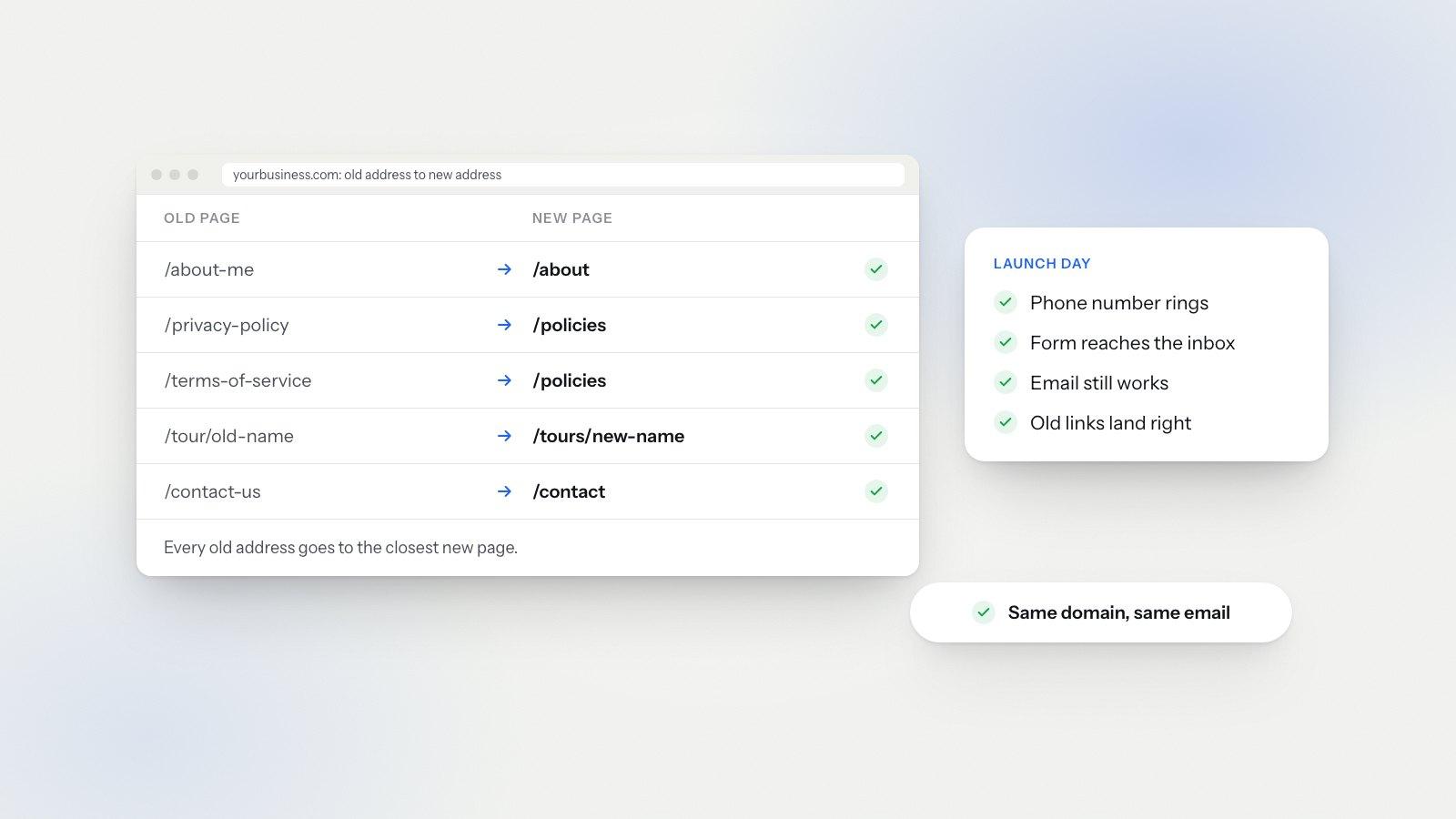
You can replace an old website and keep your domain, your email and most of what Google knows about you. It takes three things: a list of what works today, a map of every page address that will change, and a test of the phone and forms on launch day. Nobody can promise your rankings will stay the same, and you should be wary of anyone who does.
What usually goes wrong
A new site often uses new page addresses. The old ones stop working. Anyone who saved the link, and Google itself, lands on a page that says not found.
We have seen this up close. After one tour company's site was replaced, Google listed 49 old addresses as not found: renamed tours, the about page, the policy pages. A small food business that moved off Shopify had old store addresses in the same state. Each one had to be pointed at the closest new page and then checked by hand.
None of that is hard. It just has to be somebody's job, and it is much easier before launch than after.
Save these before work starts
- A list of every page on the current site.
- Copies of your text, photos and logo, in case the old site disappears.
- Your Search Console and Analytics access, if you have them.
- The pages and searches that bring you visitors now.
- Every way a customer can reach you: phone numbers, forms, email addresses, booking links.
Find out who controls your domain and email
Your domain, your website and your email are three separate things, even if one company set them all up. Pointing the domain at a new site involves the same settings your email depends on, so a careless change can stop your email.
You don't need to understand the settings. You need to know who has the login for your domain, and to tell your designer what your email runs on. Ask them to confirm they have checked it before they change anything. Don't let anyone tell you to delete records you don't understand.
Make the map
If a page address stays the same, you are done with that page. If it changes, the old address needs a permanent redirect to the new one, so people and Google are sent to the right place automatically.
- Keep good addresses when you can. The cheapest redirect is the one you don't need.
- Send each old page to the closest new page. Google warns against sending lots of old pages to the homepage.
- If a page is truly gone with no replacement, let it return not found. That is the correct answer.
- Point old addresses straight at the final page, not through a chain of redirects.
- Leave the redirects in place. Google suggests at least a year.
Here is part of a real map from that tour company's rebuild, with the tour names taken out.
| Old address | New address | Why |
|---|---|---|
| /about-me | /about | Same page, new name |
| /privacy-policy | /policies | Merged into one policies page |
| /terms-of-service | /policies | Merged into one policies page |
| /tour/old-name | /tours/new-name | Renamed tour, sent to its new page |
| /tour/retired-name | /tours | No matching tour, so the list of tours is the closest page |
Test it on launch day
- Call the number on the site. From a phone, by tapping it. Make sure it rings the right place.
- Send a real form. Check it arrives in the right inbox, and not in junk.
- Send yourself an email. And reply to it, to confirm your email still works both ways.
- Try five old addresses. Pick your most-visited old pages. Each should land on the right new page.
- Search for your business. Check the Google profile still links to a page that works.
What to watch afterward
Some movement is normal. Google says a small or medium-sized site can take a few weeks for most pages to move, and larger sites take longer. Watch for not-found errors in Search Console, and keep an eye on calls and form messages, since those are what you care about. A drop in visitors with steady calls is a different problem from a drop in both.
A worksheet to hand your designer
Copy this into an email before you sign anything. A good designer will be glad you asked.
- Pages. Will any page addresses change? Please send me the list of old and new addresses.
- Redirects. Who sets up the redirects, and how long will they stay in place?
- Domain. Who holds the login for my domain now, and who will hold it after launch?
- Email. Have you checked what my email runs on? What will you change, and what will you leave alone?
- Old site. Will my old site stay up until the new one is working?
- Launch test. Who tests the phone links and forms on launch day?
- After launch. Who checks for not-found errors in the weeks after?
Maybe you don't need a redesign
If the site brings in work and only looks dated, a new look on the same pages and addresses is much lower risk. Replace the whole thing when the site is failing at its job, and be clear about what that job is. You can see how a rebuild went for RW Gate.
If you are thinking about a rebuild, send us your current site through the contact page and we will talk through what you would need.
Blackjay
Questions? sales@blackjay.io or (603) 805-0919.
(603) 805-0919
Free, no pressure. You get a clear plan and price either way.