
What makes a website ring the phone
Tap-to-call, a quote form above the fold and a clear next step on every page. The small things that turn visits into calls.
Most people who land on a business website want two answers. Can you do the job? And how do they reach you? A site that answers the first question and hides the second is a brochure. It can look good and still leave the phone quiet.
A dated site can do worse than stay quiet. Before RW Gate, an industrial gate manufacturer, rebuilt its site with us, customers asked the company whether it was still in business. The old site looked that neglected.
Here is what we put on every site we build, and why each piece is there.
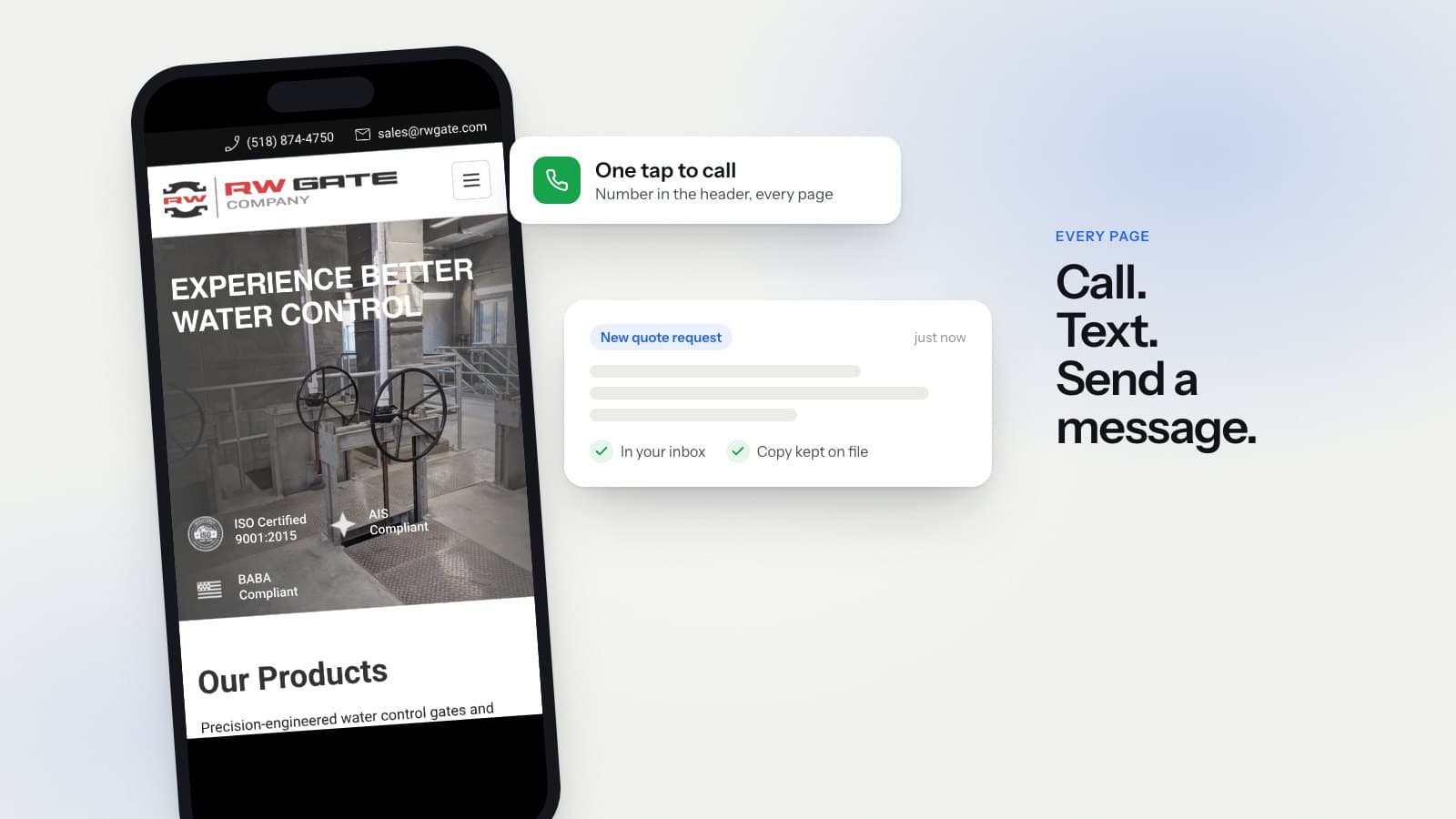
Put the phone number in the header
The header is the one part of a page that shows on every screen. If the number lives there, nobody has to hunt for it. On a desktop we show the full number. On a phone we show a call button that stays in reach.
Write the digits out. A button that only says "Call us" makes people wonder what they are about to dial. A visible number also helps the person who wants to jot it down and call later from a work phone.
Make the number tap-to-call
On a phone, a number should be a link. One tap opens the dialer with the number already filled in. Without the link, the visitor has to copy it, switch apps and paste it. Some will. Plenty will close the tab instead.
Texting matters too. Many people would rather send a text than call, especially from a job site or during work hours. If you take texts, say so right next to the number.
Put the quote form above the fold
"Above the fold" is the part of the page you see before you scroll. A visitor who is ready to ask for a price should not have to scroll past three sections of photos to find the form.
Keep that first form short. Ask for what you need to call someone back and a line about the job. Every extra field is one more reason to stop. The detailed questions can wait for the phone call.
Give every page a next step
People do not always come in through the home page. A search can drop them on a service page, a photo gallery or an old blog post. Each of those pages should end with the same clear choice: call, text or send a message. If a page ends with nothing, the visit usually ends there too.
Use one wording for your buttons and stick to it. A site with "Get started", "Let's talk" and "Request info" on the same page makes the visitor stop and work out which one they want. One pair of buttons, repeated everywhere, is easier to act on.
Make sure the form actually arrives
This is the step most owners never check. A form can look fine on the page and still fail to deliver. A spam filter, an old email address or a broken setting can drop messages for weeks before anyone notices.
On the sites we build, every form submission is emailed to the owner, and a copy is kept on file. If an email goes missing, the request is still there. Across our client sites, 100% of form requests have reached the owner's inbox, and new requests arrive every week.
That count is after we removed duplicates and spam, and there is a lot of spam. A big share of what hits any contact form comes from vendors selling SEO or "AI agents". We leave those out of our numbers, but they still arrive. That is one more reason the form goes straight to your inbox with a copy on file. You see what came in and decide what is real.
What came in through those forms
What that looks like on real sites:
- WanderSnip, a mobile veterinary clinic: new appointment requests every week.
- RW Gate, an industrial gate manufacturer: inquiries every week, including quote requests for specific products.
- Valley Demolition, a demolition contractor: quote requests every week.
- Crawford Door, a garage door company: quote requests every week.
Two of these sites have a clear before. WanderSnip took no appointment requests online before its new site. Now new ones arrive every week. RW Gate's inquiries are now about four times what the old site brought in.
For the other sites, nobody tracked forms before launch, so these are counts of what arrived and nothing more. They still show the basics working: the forms send, and the requests reach the owner.
Check your own site in five minutes
- Open your site on your phone. Can you call from the first screen with one tap?
- Is the phone number in the header on every page?
- Can you find a form without scrolling?
- Does every page end with a way to get in touch?
- When did you last send a test message through your own form, and did it arrive?
If any answer is no, start there. None of these fixes needs a redesign, and each one removes a reason for a visitor to leave without calling.
For a fuller check, take the 8-question "Is your site costing you calls?" test on our Tools page.
Want a site built this way?
Call or text (603) 805-0919.
Or send a message through the contact page.
Free, no pressure. You get a clear plan and price either way.
Blackjay
Questions? sales@blackjay.io or (603) 805-0919.
(603) 805-0919
Free, no pressure. You get a clear plan and price either way.