
WordPress or Next.js for a business website?
Plugins, updates, speed and security, compared in plain terms, and why we build on Next.js.
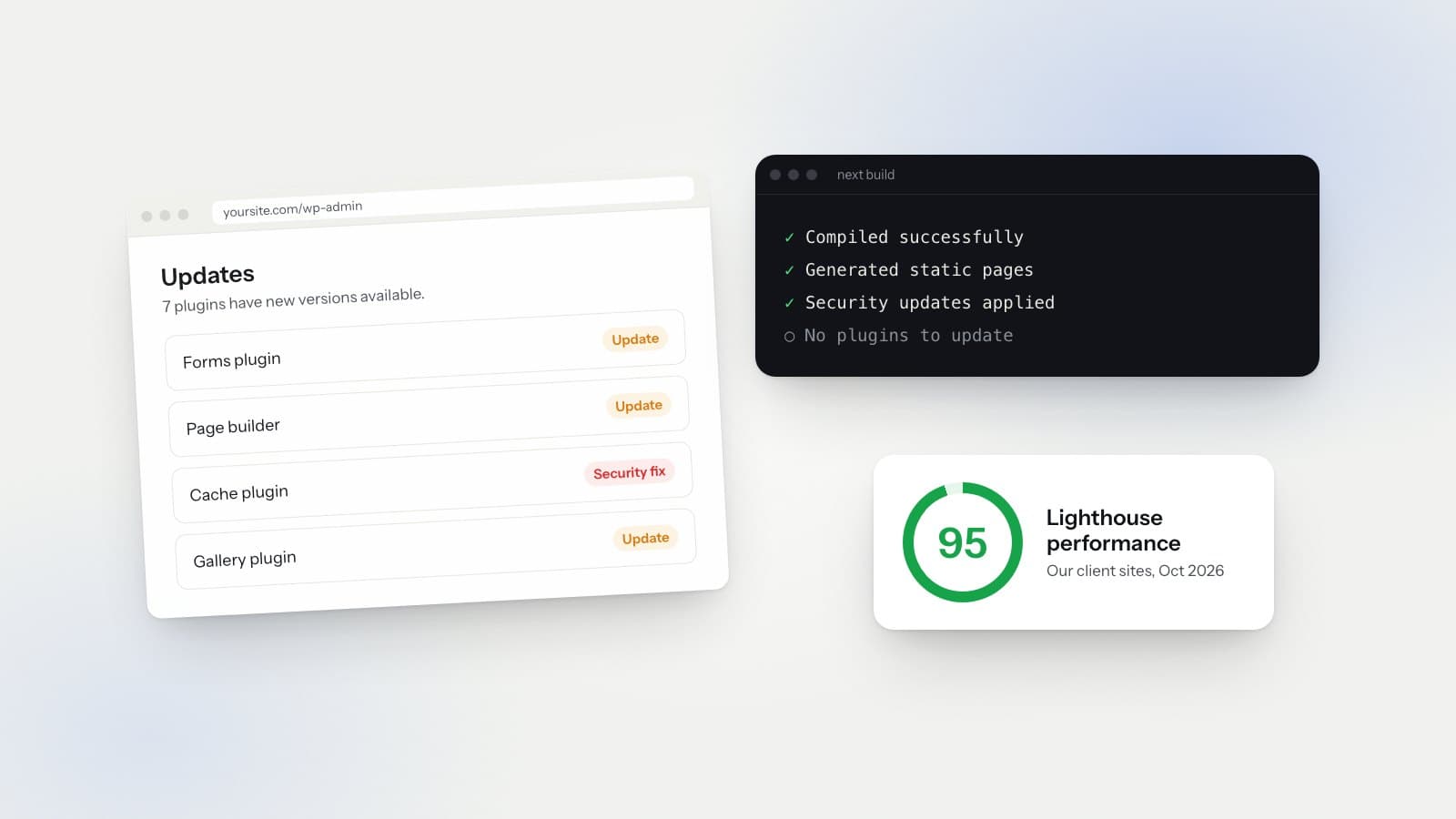
WordPress runs a huge number of websites. For many of them it works well. It is also the reason a lot of business owners get emails about plugin updates, security warnings and a site that broke overnight.
We build on Next.js. Here is the difference between the two, in plain terms, and when each one makes sense.
What each one is
WordPress is a content management system. You install it on a server, pick a theme and add plugins for anything the theme does not do: forms, search settings, galleries, caching, backups. You edit pages in a dashboard in your browser.
Next.js is a framework for building websites in code. There is no theme store and no plugin store. Each part of the site is written for that site. When you want a change, you ask the engineer who built it.
Plugins
Plugins are the best thing about WordPress and the biggest source of trouble. Each one is written by a different developer and updated on its own schedule. When a plugin stops being maintained, or two plugins clash after an update, the site can break. Often the owner finds out from a customer.
On a Next.js site we build, the features are part of the site's own code. The contact form is a form we wrote. It is not a plugin from someone else that needs its own updates.
To be fair, a Next.js site still uses some open-source packages, and those get updated too. The difference is that we choose a small number of them, and we do the updates. You never get a dashboard asking you to click "Update" and hope for the best.
Updates
WordPress core, the theme and every plugin all ship updates. Someone has to apply them and then check that nothing broke. If nobody does it, the site falls behind on security fixes. If someone does it without checking, the site can break in front of visitors.
On our plan, security and software updates are included. We apply them and test the site afterward. You do not have to think about it.
Speed
A typical WordPress page is put together when someone asks for it. The server runs code, reads from a database and builds the page. Caching plugins help. Heavy themes and page builders add a lot of extra code, and phones feel that most.
Next.js can build pages ahead of time and serve them as finished files. Pages that rarely change load fast without a caching plugin. Speed still depends on image sizes and how the site is put together, so we measure it before launch and every week after.
What our audits show
We measure with PageReflect, our own audit platform. It runs Google Lighthouse and scores each site out of 100. Every client site is audited before launch and then automatically every week: RW Gate, WanderSnip, Valley Demolition, Crawford Door, Pacheco Custom Meats and Valencian Tours.
Here is how those 6 client sites compare with the 11 other business websites we've audited (PageReflect audits, Aug to Oct 2026, mobile and desktop blended):
- Performance: our client sites average 97 out of 100 across mobile and desktop. The other business websites we've audited average 68.
- Lighthouse performance on the home page: 95 for our client sites, 64 for the others.
- Time for the main content to load (LCP): about 1.7 seconds on our client sites, averaged across mobile and desktop. On the others, about 6 seconds is typical.
- Top score: Valencian Tours at 89 out of 100, with 98 for performance and 100 for accessibility.
A visitor on a phone does not wait 7 seconds. Most of them have gone back to the search results long before that.
We read each weekly report and fix what it finds. That work is part of the plan, not an extra charge. You see the same reports we do.
Security
A common way into a WordPress site is an outdated plugin or a guessed admin password. The login page sits at the same address on almost every WordPress site, so bots try it around the clock.
The sites we build have no public admin login and no database for visitors to reach, unless the site needs one for something like a store. There is less to attack. Hosting comes with HTTPS and backups.
Making changes
WordPress lets you log in and edit text yourself. If you like doing that, it is a real advantage.
With our plan, you send changes by text or email. Text, photos, prices, hours, new pages and design tweaks are all included, with no edit limit. There are no tickets and no hourly bill. There is no editor for you to log into. You send the change, and we make it.
When WordPress is the right call
WordPress can be the better fit if your team publishes several posts a week and wants to run that themselves. It can also make sense to stay if you already have a developer who keeps your WordPress site updated and fast.
The problem is rarely WordPress on its own. It is the pile of plugins and the updates that nobody owns.
Why we build on Next.js
We build on Next.js because it lets us write exactly what a site needs and leave out everything else. Fewer moving parts means fewer things that break at 2 a.m.
It also leaves room to grow. The same framework runs full web apps, so if you later need an online store, a booking system or customer logins, the site does not have to move to a new platform first. Those features are quoted separately, but the foundation is already there.
If you are on WordPress now and tired of the update emails, we can look at your current site and tell you what moving would involve.
Want to see where your site stands? Run the free "Check your site against ours" PageReflect test on our Tools page.
Thinking about a switch?
Call or text (603) 805-0919.
Or send a message through the contact page.
Free, no pressure. You get a clear plan and price either way.
Blackjay
Questions? sales@blackjay.io or (603) 805-0919.
(603) 805-0919
Free, no pressure. You get a clear plan and price either way.